Question: I’ve heard of companies finding data that people thought they had deleted from their work computer. How do they do that? Might be good information in case I accidentally delete some important files from my home computer too!
Answer: Yes, there are several ways to retrieve data that has been deleted from a computer system, even if you’ve deleted them from the recycle bin or reformatted your hard drive.
I accidentally deleted a year’s worth of family photos and financial documents on my wife’s laptop, after using the factory restore CD that reinstalled Windows and removed her user folder where all the pictures were stored. Even after that mistake, I was still able to recover all of the files.
Why files can usually be recovered

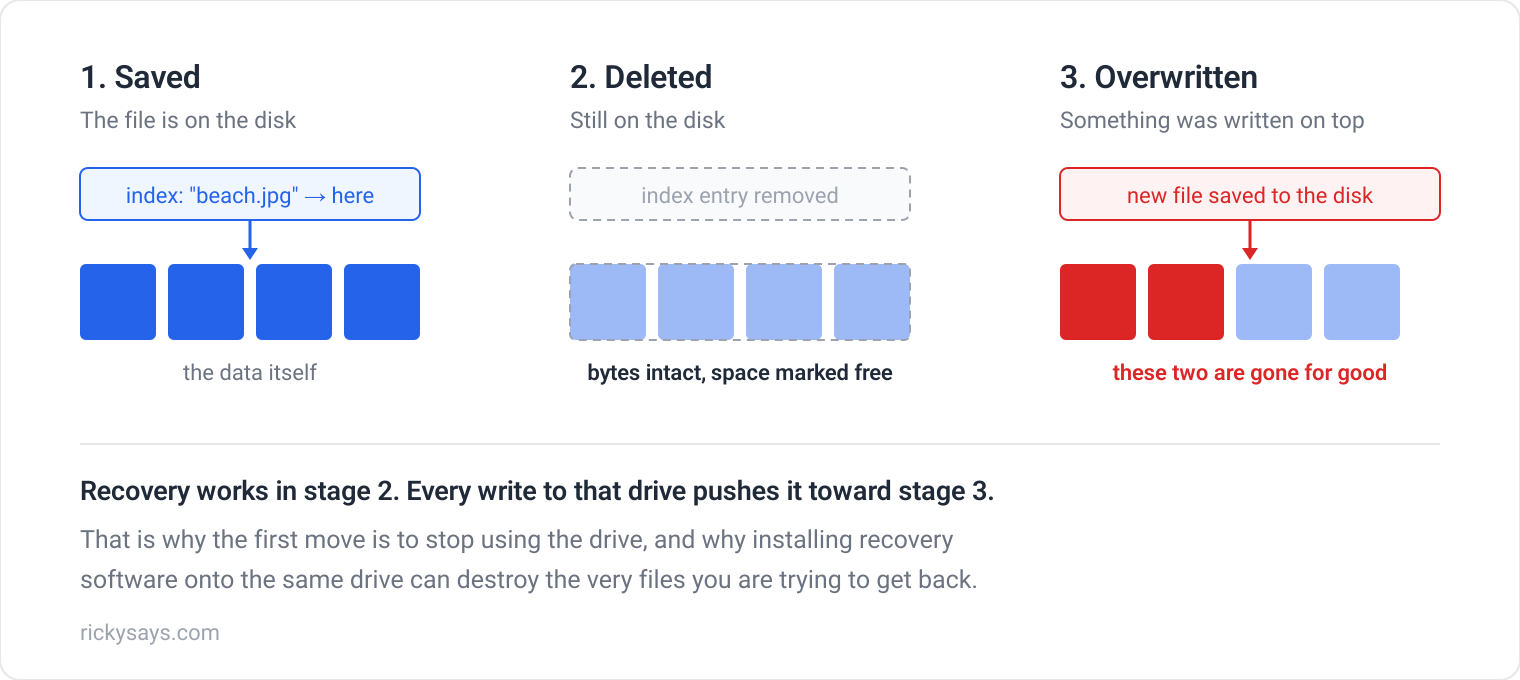
When you delete a file, Windows only marks the file as deleted, but doesn’t actually remove it from your system.
Those files are only truly deleted (well, replaced actually) when other data is saved to the same location on your hard drive.
If you accidentally delete files from your system, they can usually be undeleted – even if you deleted them from your recycle bin – as long as you attempt to recover the files shortly after you delete them, and before Windows saves other data in those same file locations on your hard drive.
How to recover files that have been deleted:
If you’ve accidentally deleted an important file or erased a folder containing files that you later realize you still need, chances are good that they’re still on your system and can be recovered.
The key is to use a good undelete program that can find files after you’ve emptied your Recycle Bin. I’ve tried a few that claim to do this and found some only show you what’s still sitting in the Recycle Bin, which is no help at all once you’ve emptied it.
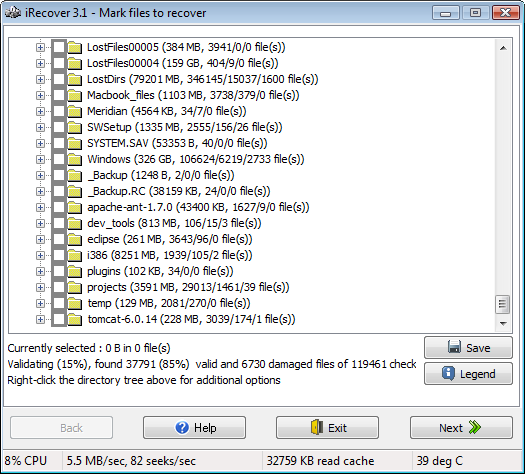
Here’s a screenshot of a recovery scan showing the files and folders it found on my system, and this was after I had completely cleared out my Recycle Bin:
Recoverit is the one I’d use now. It handles the ordinary case of a deleted file, and the harder ones too, including a drive you formatted by mistake, a partition that disappeared, and file system damage after a virus.
It runs its scan for free and shows you a preview of what it found, so you’ll know whether your files survived before you pay anything. Download Recoverit.
An ounce of prevention
 It’s also a great idea to frequently backup your hard drive, so that you can still restore important files, even if they can’t be recovered using a file recovery program.
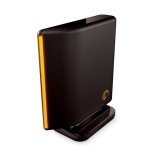
I bought a Seagate portable external hard drive.
This new drive plugs in via USB cable and doesn’t require any installation or configuration. Windows automatically recognizes it when you plug in the USB cable, and it has plenty of space for backing up both of my home computers.
I also highly recommend that you backup your hard drive on at least a monthly basis, although weekly is even better.
If you want a backup setup rather than a one-off copy, I’ve written up how I do it now in how to set up automatic backups for your computer. I consider myself fortunate to have been able to retrieve our family photos and financial documents… and my wife is finally willing to speak to me again.
However, I’m hoping to avoid this whole scenario in the future by making regular backups to this new backup drive (at least weekly).