Netflix recently pubished it's own Wii channel so you don't have to insert a DVD to view Netflix movies on demand through your Wii.
Netflix recently pubished it's own Wii channel so you don't have to insert a DVD to view Netflix movies on demand through your Wii.
Previously Netflix account holders would get a DVD from Netflix that they could plug into their Wii, that would let them watch free movies on their TV. Now you can toss the DVD and watch movies directly from the Netflix channel on your Wii.
To set this up, start your Wii and visit the Wii Shopping Channel.
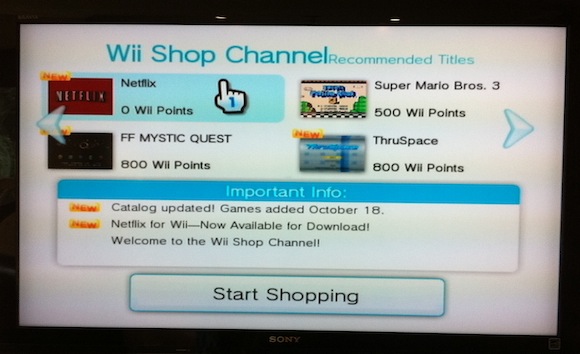
You'll see the Netflix channel and you can follow the screen prompts to download it to your Wii system, or to an external SD Card.

Once the Netflix channel has been downloaded, you can go back to your main Wii menu and select the Netflix channel.
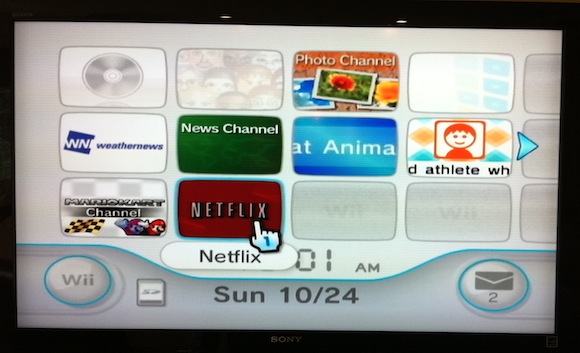
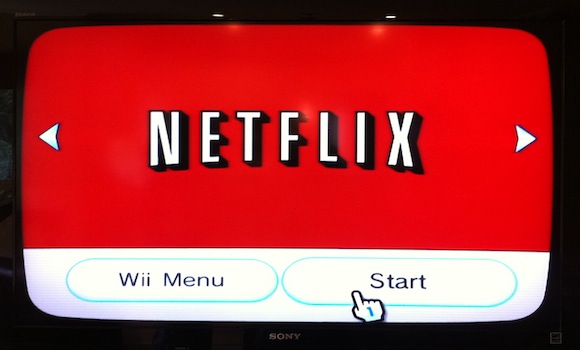
Then you'll be able to watch Netflix movies without having to insert a separate DVD.
Leave a comment